








How to Protect Your Eyes During Screen Time: Simple Tips for Eye Health
In today’s digital world, screens are everywhere—from work computers and tablets to smartphones and TVs. While technology makes our lives easier, spending long hours in front of screens can take a toll on our eyes. Many people experience symptoms like dryness, irritation, blurred vision, and headaches, often referred to as digital eye strain or computer vision syndrome.
Fortunately, there are simple and practical ways to protect your eyes and reduce discomfort during screen time. This guide will walk you through the best habits, ergonomic tips, and lifestyle adjustments to keep your eyes healthy and comfortable.
What Is Digital Eye Strain?
Digital eye strain happens when your eyes get tired from prolonged use of screens. Unlike other types of eye strain, digital eye strain results from focusing on close-up screens for extended periods without breaks. Symptoms can include:
– Eye dryness or irritation
– Blurred or double vision
– Headaches
– Neck, shoulder, or back pain
– Difficulty focusing
Recognizing these symptoms early means you can take steps to prevent further discomfort.
Best Practices to Protect Your Eyes
1. Follow the 20-20-20 Rule
One of the simplest ways to reduce eye strain is the 20-20-20 rule. Every 20 minutes, look away from your screen and focus on something 20 feet away for at least 20 seconds. This helps relax the eye muscles and reduces fatigue.
2. Blink Often to Keep Your Eyes Moist
When staring at screens, people tend to blink less, which causes dryness. Make a conscious effort to blink regularly to keep your eyes lubricated. Using artificial tears can also help if your eyes feel dry.
3. Adjust Your Screen Settings
Improper screen brightness and contrast can increase eye strain. To reduce discomfort:
– Match your screen brightness to the room lighting
– Increase text size for easier reading
– Use “night mode” or blue light filters in the evening to reduce blue light exposure
Many devices have built-in settings or apps designed to adjust these automatically.
4. Maintain the Right Distance and Position
Position your screen about an arm’s length (20-24 inches) away from your eyes. The screen should be slightly below eye level so you look downward at it, which reduces eyelid exposure and helps prevent dryness.
5. Use Proper Lighting
Avoid glare from windows or overhead lights by adjusting your screen or using curtains and blinds. Soft, indirect lighting works best because harsh lighting creates reflections and contrast issues on your screen.
6. Wear Computer Glasses If Necessary
If you wear prescription glasses, talk to your eye doctor about lenses designed specifically for computer use. These glasses can reduce glare, increase contrast, and block some blue light to ease eye strain.
Create an Eye-Friendly Workspace
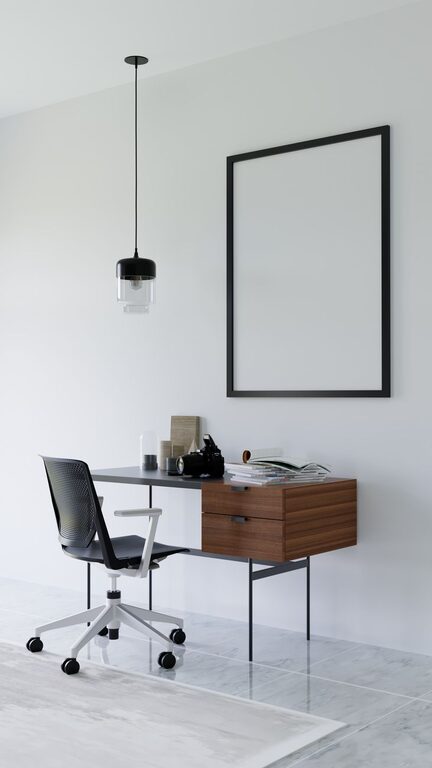
A comfortable and ergonomic workspace can help reduce overall strain on your eyes and body.
– Use an adjustable chair that supports good posture
– Keep your feet flat on the floor and avoid slouching
– Position your screen to avoid reflections from windows or lights
– Consider using an anti-glare screen protector for your monitor
– Take regular breaks to stand, stretch, and move around
Lifestyle Tips for Healthy Eyes
Beyond screen time, your overall lifestyle affects your eye health. Consider these tips:
– Stay hydrated to prevent dry eyes
– Eat a balanced diet rich in vitamins A, C, and E, omega-3 fatty acids, and leafy greens
– Get regular eye checkups to monitor your vision and detect issues early
– Limit screen time when possible and balance digital activities with outdoor time
When to See an Eye Doctor
If you notice persistent eye discomfort, blurred vision, or headaches even after making adjustments, it’s important to consult an eye care professional. They can check for underlying conditions such as dry eye syndrome, uncorrected vision problems, or other health concerns.
Final Thoughts
Protecting your eyes during screen time is easier than you might think. By adopting simple habits like the 20-20-20 rule, adjusting your environment, and taking care of your overall health, you can enjoy technology with less strain and discomfort. Remember, your eyes work hard for you—giving them regular care makes a big difference.
Stay mindful of your screen habits and make eye health a priority to keep your vision clear and comfortable every day.